
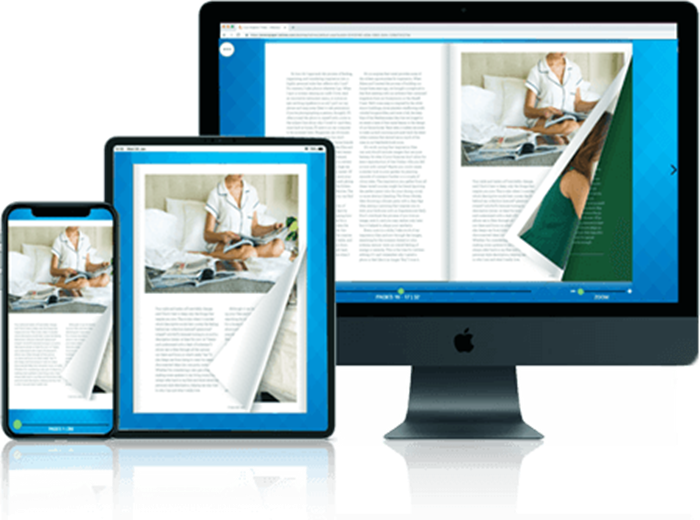
Digital editions can be created in minutes by uploading a standard PDF into special software for making digital editions. The software can convert static web pages into flippable and interactive ones. Publishers can simply embed hyperlinks, videos, and responsive design features to quickly deliver engaging content to web and mobile devices without coding. There are often long lead times, high printing costs, and major distribution challenges to consider when dealing with print publishing. Digital edition software addresses these challenges by quickly and easily transforming static printed documents into interactive online publications. Readers want your content to be engaging and easy to read, and perfectly readable on their phones, tablets, and desktop computer. Publishers want to be able to get that content out without having to write code and hire web developers to build it.
Making your print or static PDFs interactive doesn’t need to be a lengthy process that takes a month to finish. With the right digital edition software, marketing teams and publishers can transform flat documents into dynamic reading experiences in no time. This helps make your business globally accessible, enables tracking of reader engagement through analytics and requires minimal overhead.
You’ll save your team a ton of time if you know how to use digital edition software effectively. This guide explains the exact steps needed to produce interactive digital editions with speed, and provides you with guidance on choosing the tools to use and optimizing your digital publishing workflow.
Digital Edition Software – What is it and Why is it Important for Publishers?
Digital edition software is a specific application that converts static files (usually PDFs) into interactive HTML5 publications. Generally, these digital publications resemble a physical magazine in appearance and design, but with a few modern digital extras such as embedded video, audio clips and clickable links.
Digital edition software is essential for publishers and corporate marketing teams, since traditional PDFs have very limited usability on mobile devices. PDFs are the standard format and the text is hard to read if the user has to pinch, zoom, and scroll. Digital edition software addresses this usability challenge by producing responsive, mobile-ready editions that change to fit the screen no matter how large or small. In addition, digital edition software offers in-depth analytics. Publishers can monitor the length of time spent on a certain web page, clicks on certain links, and whether a viewer is watching videos. This information enables content producers to adjust their content strategies and demonstrate the ROI to advertisers.
What are the ways to make digital editions in minutes?
With the right workflow, it’s easy to create a digital edition. To quickly and effectively turn your static content into an engaging digital experience, follow these steps:
Step 1: How to select the proper Digital Edition Software?
When it comes to publishing a digital edition, the most important decision you have to make is which digital edition software to choose. Choose a platform that aligns with your technical skills and business goals. If speed is key, search for software that offers one-click PDF conversion. If you need to make money from your content, choose a platform that offers native paywalls and subscription management features.
Assess the software with regard to mobile responsivity. You need your magazine or catalog to load smoothly on an iOS or Android device, and that’s where the digital edition software comes in, as it must automatically create HTML 5 versions to ensure this happens. Last but not least, make sure they fit your current marketing infrastructure, including Google Analytics and your email marketing service. A fine software program you can choose is PageTurnPro digital edition software.
Step 2: How to prepare PDF files optimally?
What you upload is what you will end up with. First, make sure you prepare your PDF properly to facilitate a quick conversion process before you upload it to the digital edition software. Export PDF one page at a time instead of two pages per PDF. The digital edition software will automatically be used to join the single pages together and create a natural reading experience.
Control the size of your file by reducing high-resolution print images to more suitable web resolutions (usually 72 to 150 DPI). Make sure everything is appropriate for selection and fonts are embedded in the PDF document. By taking this step, the digital edition software can index your text with accuracy and make it searchable for users and accessible to search engine crawlers.
Step 3: What opportunities are there for interactive use of multimedia?
After converting your PDF, it’s now time to enhance the publication. Digital edition software offers a drag-and-drop editor so you can incorporate interactive elements on top of your current layout. Begin by embedding high quality videos on the page! Video content can significantly increase the amount of time readers spend with your publication.
Then add internal and external hyperlink. Connect a contents page to relevant pages of the digital version of your book to enable rapid access. When you’re producing a product catalogue, make sure to hyperlink product photos straight to the checkout page of your ecommerce website. You can also add pop-up image galleries, audio files, and so on to create a very immersive multimedia experience that print can’t compare with.
Step 4: What are your methods of publishing and distributing your digital edition?
Once you’ve added your interactive elements, you’re ready to publish. Digital edition software will generally house the publication on secure cloud-based servers and give you a single shareable link for that publication. This link can be delivered instantly to your email newsletter, social media feeds and corporate site.
A lot of digital edition software will also offer an embed code. This enables you to show a small, “flippable” version of the publicaton right on your homepage! If the software is to be distributed, set the search engine optimization (SEO) settings. Optimize the meta title, description and keywords on the software dashboard so that your new digital edition shows up at the top of search engine results.
Conclusion
In order to produce digital editions, you don’t need a lot of money or software engineers. With the right digital edition software and a well-defined preparation procedure, you can upload, enrich and distribute your content within a few minutes. This way, you’ll have a faster time to market, better reader experience and have the analytics you need to expand your readership. Assess existing PDF resources, enroll in a digital edition software trial and produce your first interactive PDF document today.
